





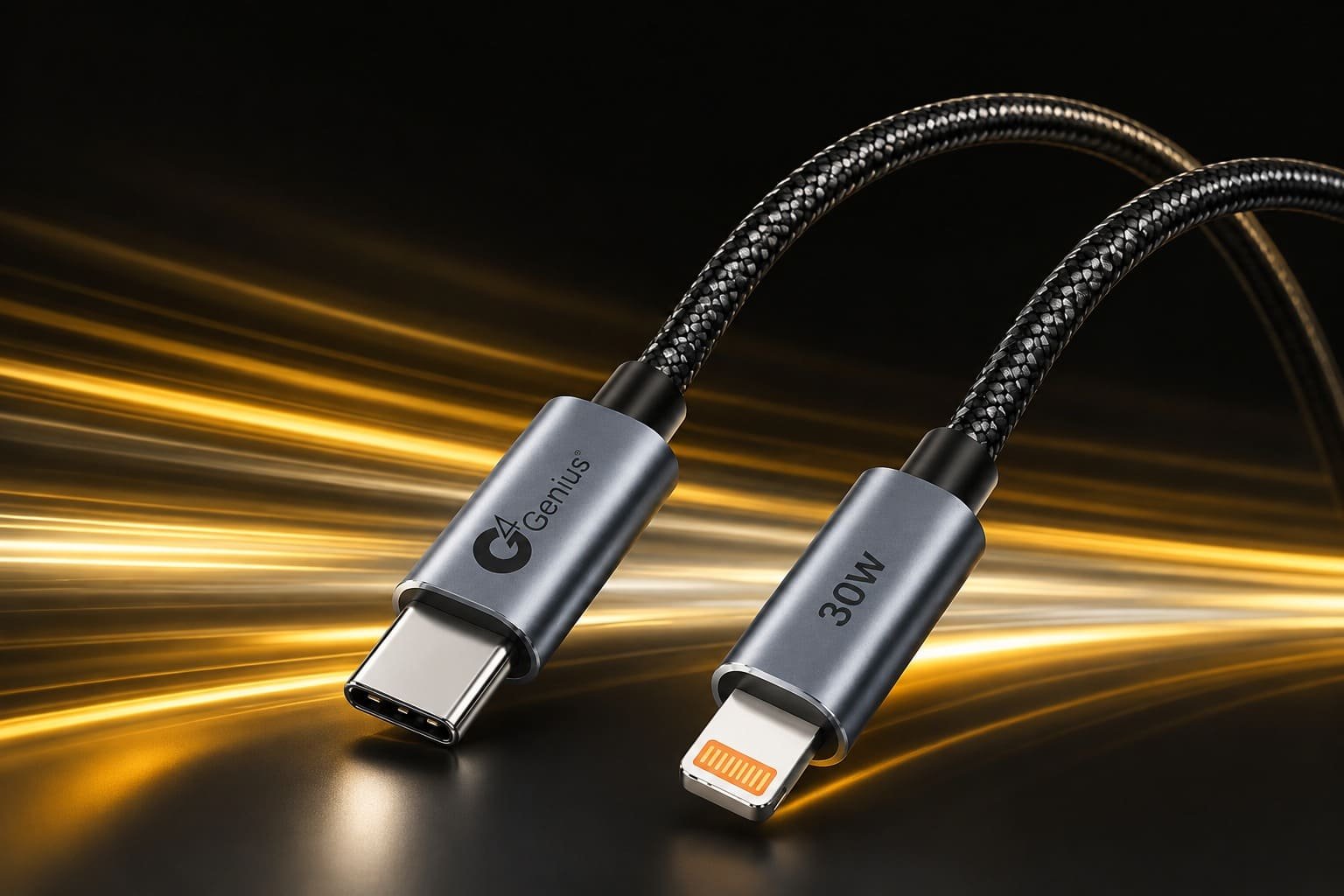
Fast Charging cable – Smartphones have become an essential part of everyday life. From communication and entertainment to work, shopping, navigation, and online payments, we depend on our phones throughout the day. As smartphone usage increases, fast charging has become increasingly important.
However, having a fast charger alone does not guarantee fast charging. The charging cable also plays an important role in determining how quickly and safely your phone charges.
A low-quality or incompatible cable can limit charging speed even when connected to a powerful adapter. On the other hand, the right fast charging cable can provide efficient power delivery, better durability, stable performance, and improved compatibility with your devices.
So, how do you choose the best fast charging cable for your phone?
In this complete buying guide, we will explain charging wattage, connector types, USB standards, Power Delivery, cable quality, compatibility, safety, and other important factors you should consider before purchasing a charging cable.
What Is a Fast Charging Cable?
A fast charging cable is designed to safely carry higher levels of electrical power than many basic charging cables.
Modern smartphones and other electronic devices may support charging technologies such as USB Power Delivery (USB PD), Programmable Power Supply (PPS), or manufacturer-specific fast charging protocols.
For fast charging to work properly, three major components need to be compatible:
- Your smartphone or device
- The charging adapter
- The charging cable
If one component cannot support the required charging standard or power level, the charging speed may be reduced.
For example, connecting a fast-charging smartphone to a powerful charger using an unsuitable cable may prevent the device from reaching its supported charging speed.
Why Does the Charging Cable Matter?
Many users focus only on charger wattage when purchasing charging accessories. However, the cable is the connection responsible for carrying power from the charger to the device.
A good charging cable helps provide:
- Stable power transmission
- Fast charging support
- Better device compatibility
- Reduced power loss
- Reliable data transfer where supported
- Improved durability
- Safer everyday charging
Choosing the right cable is therefore just as important as choosing the right charging adapter.
1. Check Your Phone’s Charging Port
The first thing you should check is the charging port available on your smartphone.
USB Type-C
USB Type-C has become the standard charging connector on most modern Android smartphones and many other electronic devices. Current iPhone models also use USB-C.
USB-C offers several advantages, including support for high-power charging, reversible connection, and modern data-transfer standards depending on the cable and device.
Lightning
Many older iPhone models use Apple’s Lightning connector. Depending on the charger, users may need a USB-C to Lightning or USB-A to Lightning cable.
Always check your phone’s connector before purchasing a new cable.
2. Understand Cable Wattage
Wattage is one of the most important specifications when selecting a fast charging cable.
Different cables can be designed for different maximum power levels, such as:
30W Charging Cable
A 30W cable can be suitable for many smartphones, earbuds, power banks, and other everyday devices when their charging requirements fall within the cable’s supported specifications.
65W Charging Cable
A 65W cable provides greater power capacity and can be suitable for compatible smartphones, tablets, power banks, and some USB-C laptops.
100W Charging Cable
A 100W USB-C cable is designed for higher-power applications and may support compatible laptops, tablets, smartphones, and other USB-C devices.
Higher cable wattage does not automatically make your phone charge faster.
For example, if your smartphone accepts a maximum of 25W under the charger and charging protocol being used, connecting it with a 100W-rated cable will not force the phone to charge at 100W. The device and charging system determine the power that is actually used.
3. Match the Cable With Your Charger
The cable and charger should work together.
Suppose you have a USB-C Power Delivery charger. To take advantage of its capabilities, you should use a compatible USB-C cable rated for the power your device requires.
Before purchasing a cable, check:
Phone supported charging power → Charger output → Cable power rating
The overall charging performance will depend on the capabilities and compatibility of the complete charging setup.
4. Look for USB Power Delivery Support
USB Power Delivery, commonly called USB PD, is an important charging standard used across smartphones, tablets, laptops, power banks, and other USB-C devices.
A compatible USB-C charging setup can negotiate the appropriate voltage and current between devices.
When buying a cable for a USB PD charger, make sure the cable supports the required charging power and specification.
For higher-power USB-C charging, the cable may also require an electronic identification chip, commonly known as an E-Marker, depending on the supported current and USB-C specification.
5. Choose the Correct Connector Combination
Charging cables are available with different connector combinations.
Common options include:
USB-A to USB-C
This cable connects a traditional USB-A charging port to a USB-C device.
It is commonly used with older wall chargers, car chargers, power banks, computers, and other USB-A ports.
USB-C to USB-C
USB-C to USB-C cables are widely used for modern fast charging.
Depending on the charger, cable, and device, they can support USB Power Delivery and higher charging wattages.
They are commonly used for:
- Smartphones
- Tablets
- Power banks
- Laptops
- Earbuds
- Other USB-C devices
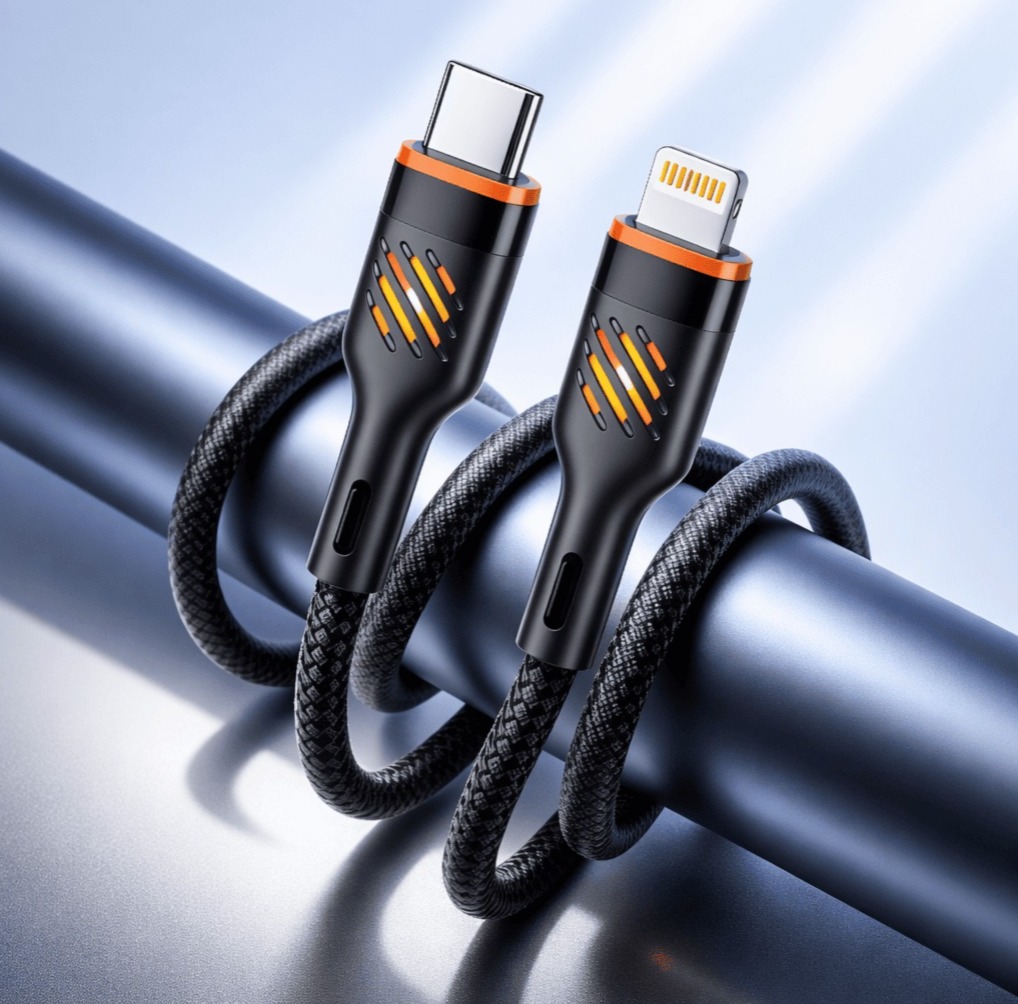
USB-C to Lightning
USB-C to Lightning cables are commonly used for fast charging compatible older iPhones and other Lightning devices when connected to an appropriate USB-C charger.
Choose the connector combination according to both your charger and your device.
6. Check Cable Build Quality
Charging speed is important, but durability should not be ignored.
Charging cables are frequently bent, twisted, carried in bags, used while charging, and connected or disconnected several times every day.
Look for features such as:
- Strong connector housing
- Reinforced cable joints
- Durable outer material
- Good strain relief
- Secure connector fit
- Quality internal conductors
A well-built cable can provide better long-term reliability than a cheaply constructed cable.
7. Consider Braided Charging Cables
Braided cables are popular because the outer braided layer can improve resistance to everyday wear.
A quality braided cable may offer:
- Better resistance to bending
- Reduced tangling
- Improved durability
- Better protection during regular use
- A premium appearance
However, braided construction alone does not guarantee good charging performance. Internal wire quality, connector construction, charging specifications, and manufacturing quality are equally important.
8. Choose the Right Cable Length
Cable length affects convenience and can also influence electrical performance if the cable is poorly designed.
Short Cables
Short cables can be useful for:
- Power banks
- Cars
- Desks
- Travel
- Compact charging setups
Medium-Length Cables
A cable around 1 metre is convenient for most everyday charging situations.
Long Cables
Long cables are useful when the wall socket is far from your bed, desk, or sofa.
When purchasing a longer cable, choose a properly engineered product designed to maintain stable charging performance across its length.
9. Don’t Confuse Charging Speed With Data Speed
Charging speed and data-transfer speed are different specifications.
A cable may support high-power charging but only basic data-transfer speeds. Another cable may support both high charging power and high-speed data transfer.
If you regularly transfer:
- Photos
- Videos
- Documents
- Backups
- Large files
check the cable’s USB data specification separately from its wattage rating.
If you mainly use the cable for charging, power capability and device compatibility may be more important.
10. Check Device Compatibility
Before buying a fast charging cable, verify that it is compatible with your device and charging adapter.
Consider compatibility with:
- Android smartphones
- iPhones
- Tablets
- Power banks
- Wireless earbuds
- Bluetooth speakers
- USB-C laptops
- Other USB-powered accessories
A versatile USB-C cable can reduce the number of separate cables you need to carry, provided all of your devices use compatible ports and charging standards.
11. Avoid Extremely Cheap, Unverified Cables
Price should not be the only factor when selecting a charging cable.
Poor-quality cables may use inferior connectors, insufficient conductors, weak joints, or misleading power ratings.
Possible problems can include:
- Slow charging
- Unstable charging
- Excessive heating
- Frequent disconnections
- Loose connectors
- Poor durability
- Inconsistent performance
Choose cables from reliable manufacturers or sellers that clearly provide technical specifications.
12. Look for Safety and Quality
A charging cable is used with valuable electronic devices, so manufacturing quality matters.
A reliable cable should be designed for stable electrical performance under its rated conditions.
When evaluating a cable, look for clearly stated specifications relating to:
- Maximum supported power
- Maximum current
- Connector type
- Charging standards
- Cable materials
- Data-transfer capability
- Compatible devices
Avoid products making unrealistic charging claims without providing meaningful technical specifications.
13. Understand E-Marker Cables
Some higher-power USB-C cables include an E-Marker chip.
The chip electronically communicates cable capabilities to compatible USB-C devices and chargers.
E-Marker functionality becomes particularly important for certain higher-current and higher-power USB-C applications.
If you are purchasing a cable for high-power laptop or tablet charging, check whether the cable has the appropriate electronic identification and specifications required for the intended charging level.
14. Choose a Cable Based on Your Device
There is no single cable that is automatically the best for every user.
Your ideal cable depends on your devices.
For Everyday Smartphone Charging
A quality cable with the correct connector and enough wattage for your phone is usually sufficient.
For Fast-Charging Smartphones
Choose a cable compatible with your phone’s charging protocol and required power level.
For Tablets
Consider a USB-C cable with enough power capacity for the tablet’s charging requirements.
For Laptops
Choose a USB-C cable rated for the laptop’s required charging wattage and supported USB Power Delivery specification.
For Multiple Devices
A higher-capacity USB-C cable can be convenient if you regularly use smartphones, tablets, power banks, and compatible laptops.
15. Check the Charger Too
If your phone still charges slowly after purchasing a good cable, the cable may not be the problem.
Check your charging adapter.
For example, using a modern high-power cable with an older low-power USB charger will still limit charging performance to what the charger and device can provide.
Fast charging requires a compatible combination of:
Device + Charger + Cable + Charging Protocol
All four elements need to work together.
Common Mistakes When Buying a Fast Charging Cable
Avoid these common mistakes:
- Buying only according to appearance
- Ignoring cable wattage
- Choosing the wrong connector
- Assuming every USB-C cable has identical capabilities
- Ignoring the phone’s charging specifications
- Using a high-power charger with an unsuitable cable
- Assuming a 100W cable makes every phone charge at 100W
- Ignoring cable build quality
- Confusing data-transfer speed with charging speed
- Purchasing cables with unclear specifications
Understanding these points can help you choose a more reliable charging solution.
30W vs 65W vs 100W Charging Cable
| Cable Rating | Best Suited For | Main Benefit |
|---|---|---|
| 30W | Smartphones, earbuds, smaller devices | Good for everyday charging |
| 65W | Phones, tablets, power banks, some laptops | Versatile charging capability |
| 100W | Higher-power USB-C devices and compatible laptops | Greater power capacity |
Remember that these are cable power ratings. Actual charging speed depends on the charger, device, cable, and charging protocol.
How to Know If Your Phone Is Fast Charging
Many smartphones display an indication when a compatible fast charger is connected.
Depending on the phone, you may see messages such as:
Fast Charging
Super Fast Charging
Rapid Charging
or another manufacturer-specific charging indicator.
If fast charging does not activate, check the charger specifications, cable specifications, charging port, device settings, and compatibility.
Which Fast Charging Cable Should You Buy?
Before making your final decision, check these factors:
- Your phone’s charging port
- Maximum supported charging power
- Charger output
- Cable wattage rating
- USB charging standard
- Connector combination
- Cable length
- Build quality
- Data-transfer requirements
- Device compatibility
Instead of simply purchasing the cable with the highest wattage number, choose one that properly matches your charging setup.
Frequently Asked Questions
Does a fast charging cable really make a difference?
Yes. The cable needs to support the required electrical specifications and charging standard. An unsuitable cable can limit charging performance.
Is a 100W cable safe for a phone?
A properly designed, standards-compliant 100W-rated USB-C cable can generally be used with compatible lower-power phones because the charging system negotiates the power delivered. The phone does not simply receive the cable’s maximum rating.
Is a 65W cable good for smartphones?
Yes, a quality 65W-rated cable can be suitable for smartphones as long as the connectors and charging standards are compatible.
Which is better: USB-A to USB-C or USB-C to USB-C?
For many modern fast-charging systems, USB-C to USB-C offers broader support for technologies such as USB Power Delivery. However, the best option depends on the ports available on your charger and phone.
Does cable length affect charging speed?
Cable resistance increases with length, but a properly designed cable with suitable conductors can maintain good charging performance. Poor-quality long cables may experience greater voltage drop.
Can the same cable charge a phone and laptop?
Yes, if both devices use compatible USB-C charging and the cable is rated for the laptop’s required power level. The charger must also provide sufficient output.
Final Thoughts
Choosing the best fast charging cable for your phone is not simply about finding the cable with the highest wattage printed on the packaging.
The best cable is one that matches your smartphone, charger, charging protocol, and everyday usage requirements.
Start by checking your phone’s charging port and maximum charging capability. Then choose a cable with the appropriate connector, wattage rating, build quality, and charging-standard support.
For users with multiple USB-C devices, a quality higher-capacity cable can provide additional flexibility. For everyday smartphone users, a reliable cable that matches the phone’s actual charging requirements may be all that is necessary.
Most importantly, remember that fast charging is a complete system. Your smartphone, charger, cable, and charging technology must all be compatible to achieve the best possible charging performance.
By understanding these factors before buying, you can choose a charging cable that delivers reliable performance, convenient everyday use, and the fast charging experience your compatible devices are designed to provide.